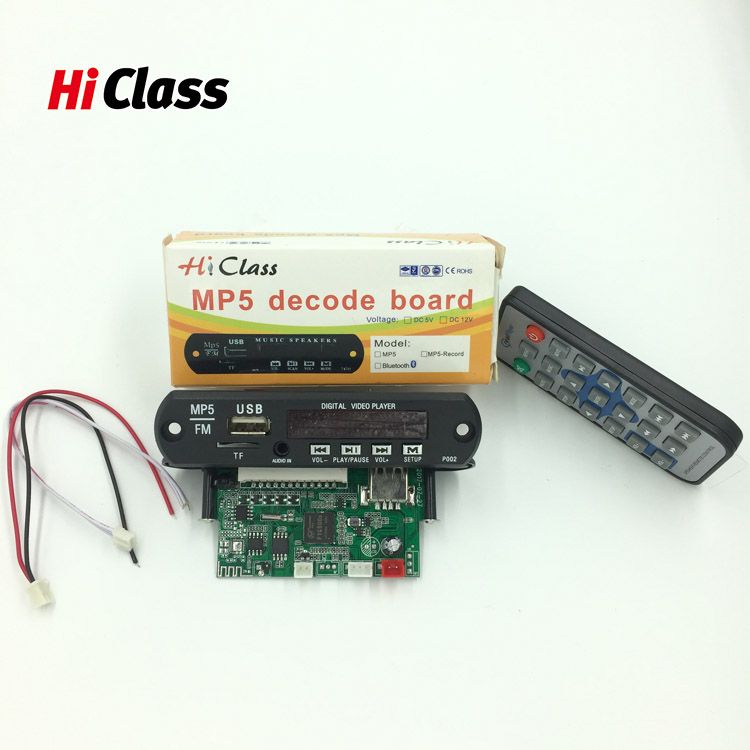
MP5 player circuit decoder board module
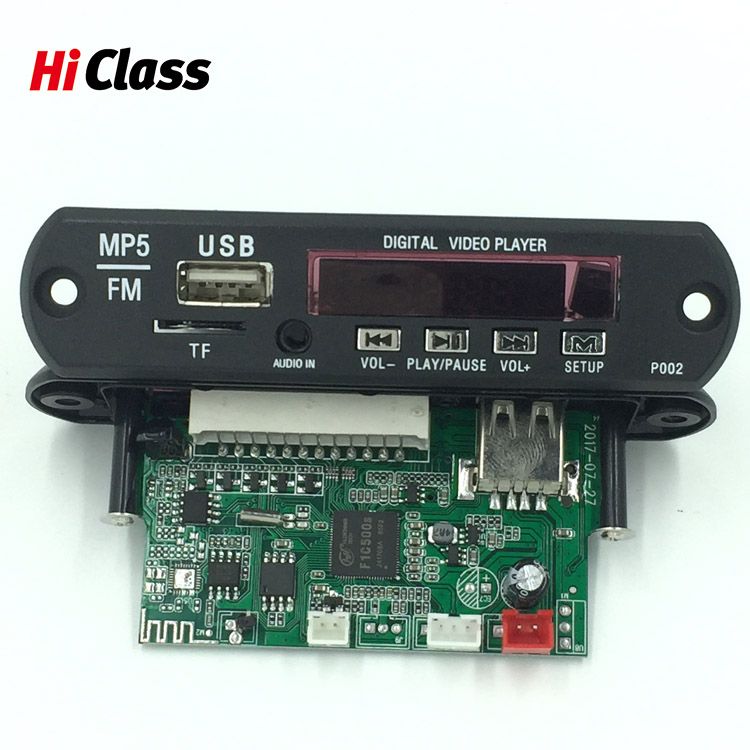
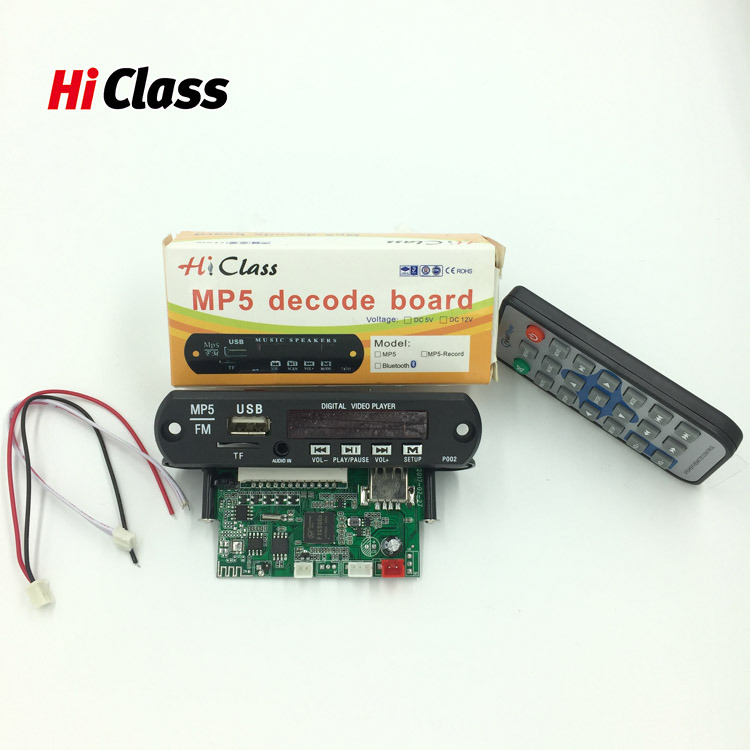
- PRODUCT DETAIL
- Experience
5V DC power supply, support U disk SD card USB hard disk interface;
Support multiple encoding formats MPEG-1, MPEG-2, MPEG-4, H264 XVID video decoding up to 1920x1080. Built-in 2 channel output.
dynamic setting function, digital album smooth play, "with 8 * 16 SDRAM";
Computer pull-down menu settings, more convenient and comfortable operation;
Super compatible with RM, RMVB, DVD, SVCD, VCD, DVCD, DVIX, FLV, MKV, AVI, MP3 and other standard formats, and fluent interpretation of MP3, WMA, OGG, FLAC, ACC, APE;
Support e-book function Easily browse TXT text
Multiple dubbing languages (Chinese, English, French, Portuguese, German, Danish, etc.)
Video output support: CVBS
Audio output support: Stereo (R/L)
VFD/LCD/LED can be configured to display various functions;
can be built-in FAT32 format large-capacity hard disk, you can easily ease your favorite movies, music, pictures in multi-partition hard disk
Convenient and fast infrared remote control operation
Supports HD video resolution (1920x1080)
Support RM/RMVB format resolution (1920x1080)
Support image formats: JPEG, BMP, KODAK PICTURE, CDG;
Support recording
Play video formats: RM, RMVB, DVD, SVCD, VCD, DVCD, DVIX, MPEG4, AVI, VOB, etc.
Play audio formats: MP3, WMA, HDCD; OGG, FLAC, ACC, APE
FM radio 87.0---108.0MHZ
With AUX input,
Software upgrade
Application range:
Can support HDCD, CDG, MPEG4 AVI VOB DIVX5.1 format digital photo frame, PMP, advertising machine;
Made of TV BOX products, which can be used with existing TV sets to watch movies, listen to music, and view digital photos on the TV;
Can be used for speaker, HD TV, LCD monitor, set-top box, HDMI, projector manufacturer embedded application and other supporting board services;
Provides connection interface and connection method guidance. Can also be customized according to the actual needs of customers.
Second, the main panel buttons and functions
1, SETUP: enter the parameter setting menu;
2, PREV: in the playing state, a song, select in the sub-menu to the left;
3, NEXT: in the play state of a song, select in the sub-menu to the right;
4, VOL-: in the playback state, the volume decreases, in the sub-menu upwards;
5, VOL +: increase the volume in the play state, select in the sub-menu;
6, PL / PA: Pause / play in the play state, confirm in the menu.